Mouse Gestures#
A mouse with a scroll-wheel is recommended, though many actions have Keyboard Shortcuts.
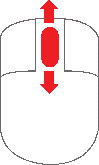 Use the scroll wheel to zoom in and out on a Waveform Display or the Bing Map Display.
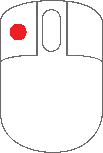 Left click to select menu items and click buttons.
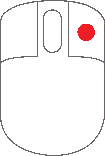 Right click to display context sensitive (pop-up) menus where available.
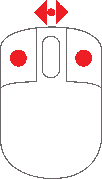 Hold both buttons, or the middle button (scroll wheel), and move the mouse left or right to scroll a Waveform Display left or right. In a Waveform Display, hold Alt and left click a trace to select it.
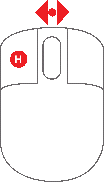 Left click, hold and drag to scroll the time reference indicator on a Timeline in the direction of the mouse movement.
This action can also be used to drag and drop parameters.
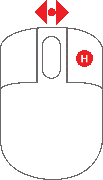 Right click, hold and drag to select a section of a waveform which you can then choose to zoom in on by selecting Zoom from the pop-up menu.